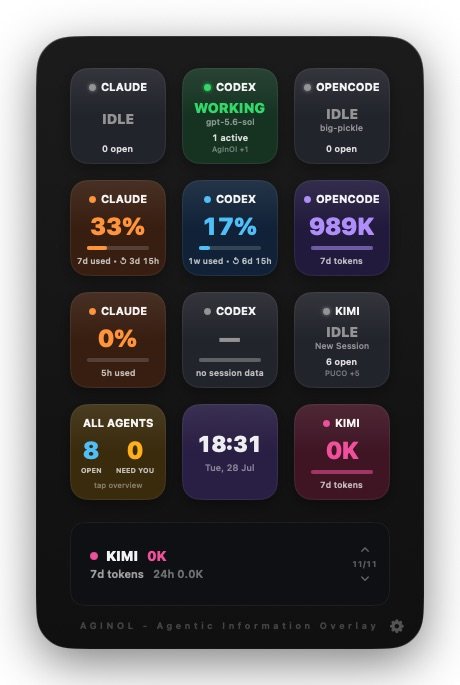
See which AI coding agents are working or waiting for you without leaving your current window.
AgInOl is a notarized Mac menu-bar app distributed directly from: https://aiia.li/download/aginol.zip
Its floating, hardware-style deck stays above other windows without taking keyboard focus from your terminal. Run several agents at once and understand their state at a glance.
ONE DECK FOR YOUR AGENTS • Monitor Claude Code, Codex, OpenCode, and Kimi Code • Distinguish WORKING, NEED YOU, IDLE, and NOT FOUND states • See open sessions, project names, models, and elapsed time • Review token counts, plan-window usage, costs, and reset times when available • Acknowledge an agent that needs input
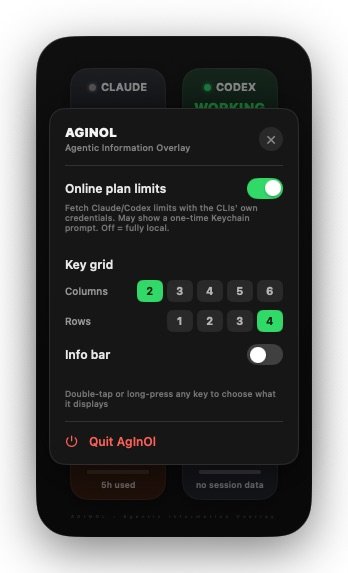
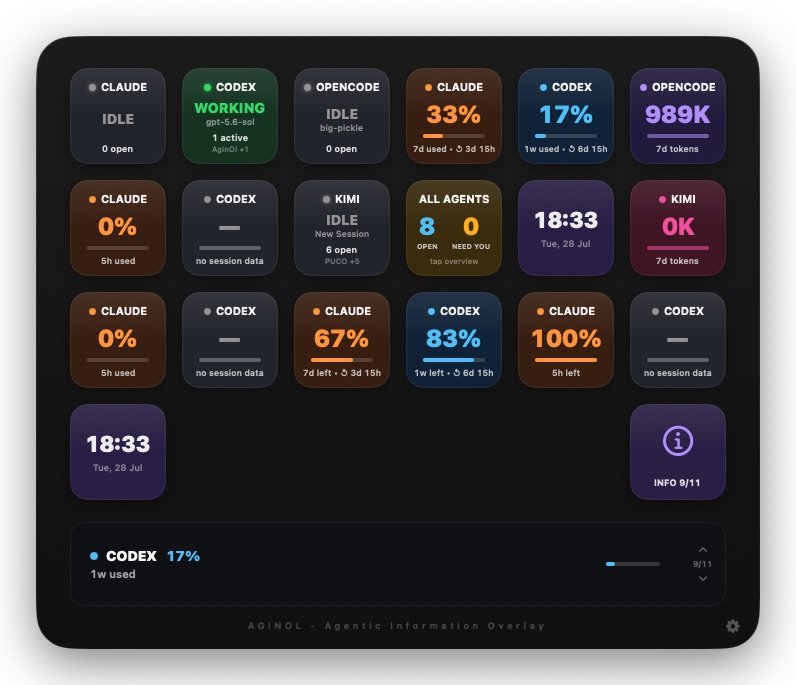
MAKE THE DECK YOURS • Choose a grid from 2 × 1 up to 6 × 4 • Assign status, usage, summaries, a clock, or information pages to individual keys • Use the optional information carousel for more detail • Tuck the panel against the screen edge and bring it back with one click
LOCAL DATA, CLEAR NETWORK CONTROLS AgInOl reads session files already stored by supported tools on your Mac. Online vendor usage lookups are off by default and only run when you enable them. Read-only deck snapshots are still published through iCloud for the companion app.
CHECK FROM IPHONE OR IPAD Pair AgInOl with AgInOl Companion to see which agents are working or waiting when you leave the desk—even hundreds of kilometres away. Both devices must use the same Apple Account with iCloud enabled, and the Mac app must remain open and online for current updates.